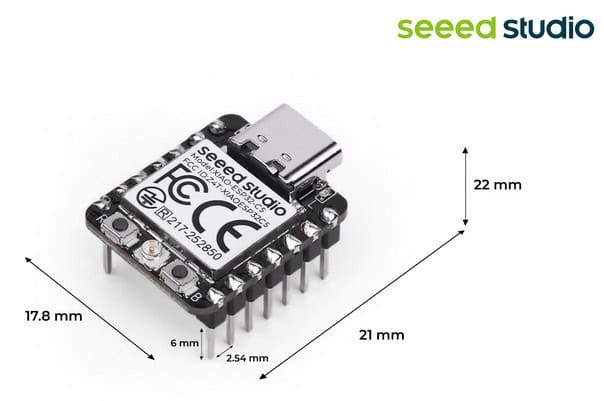
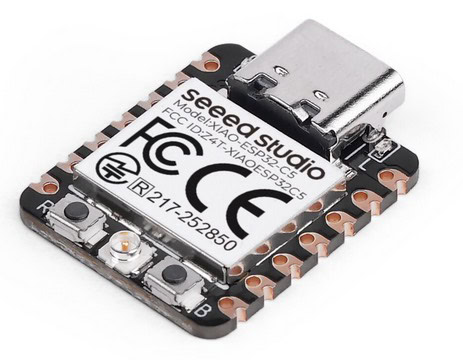
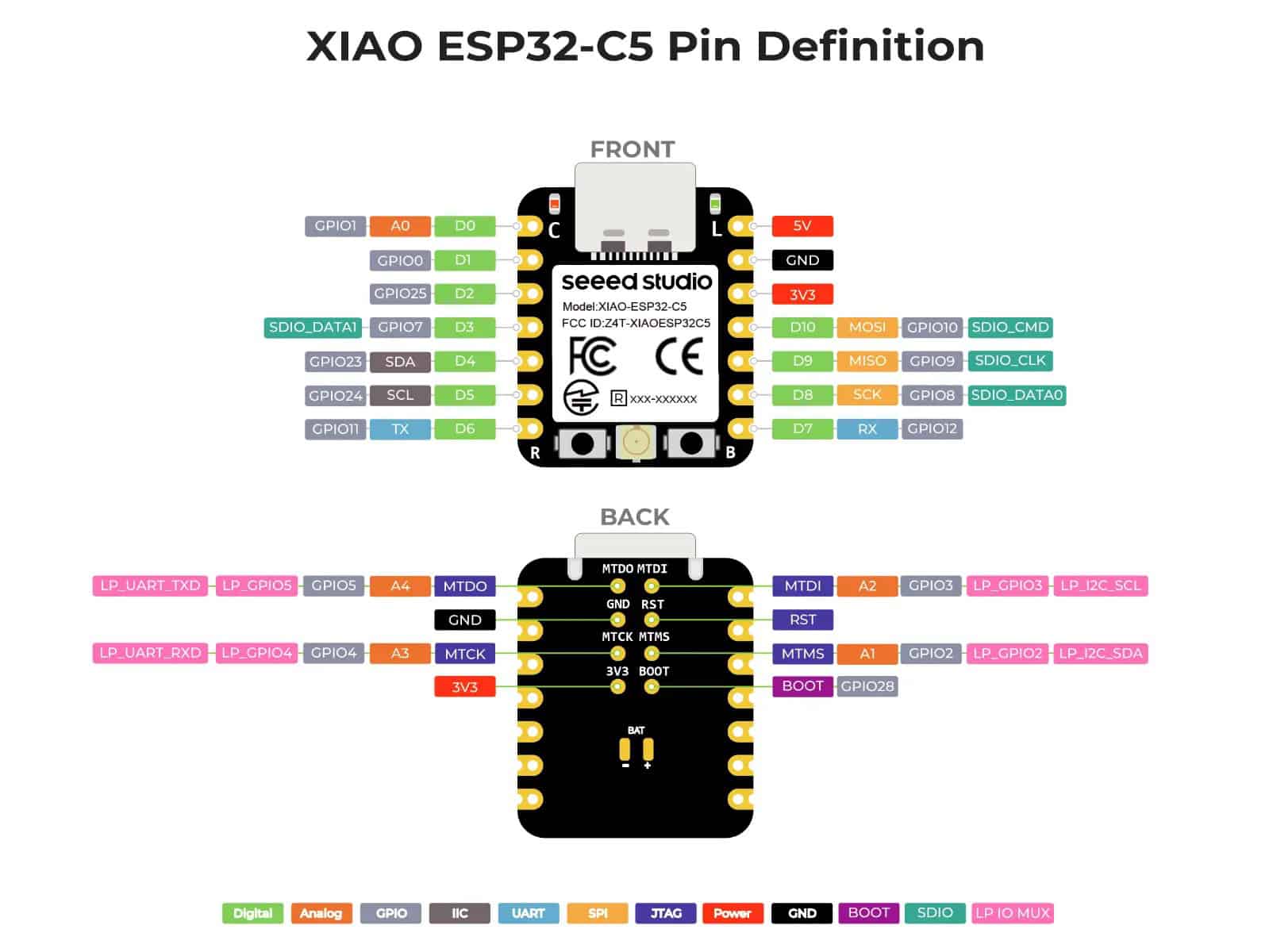
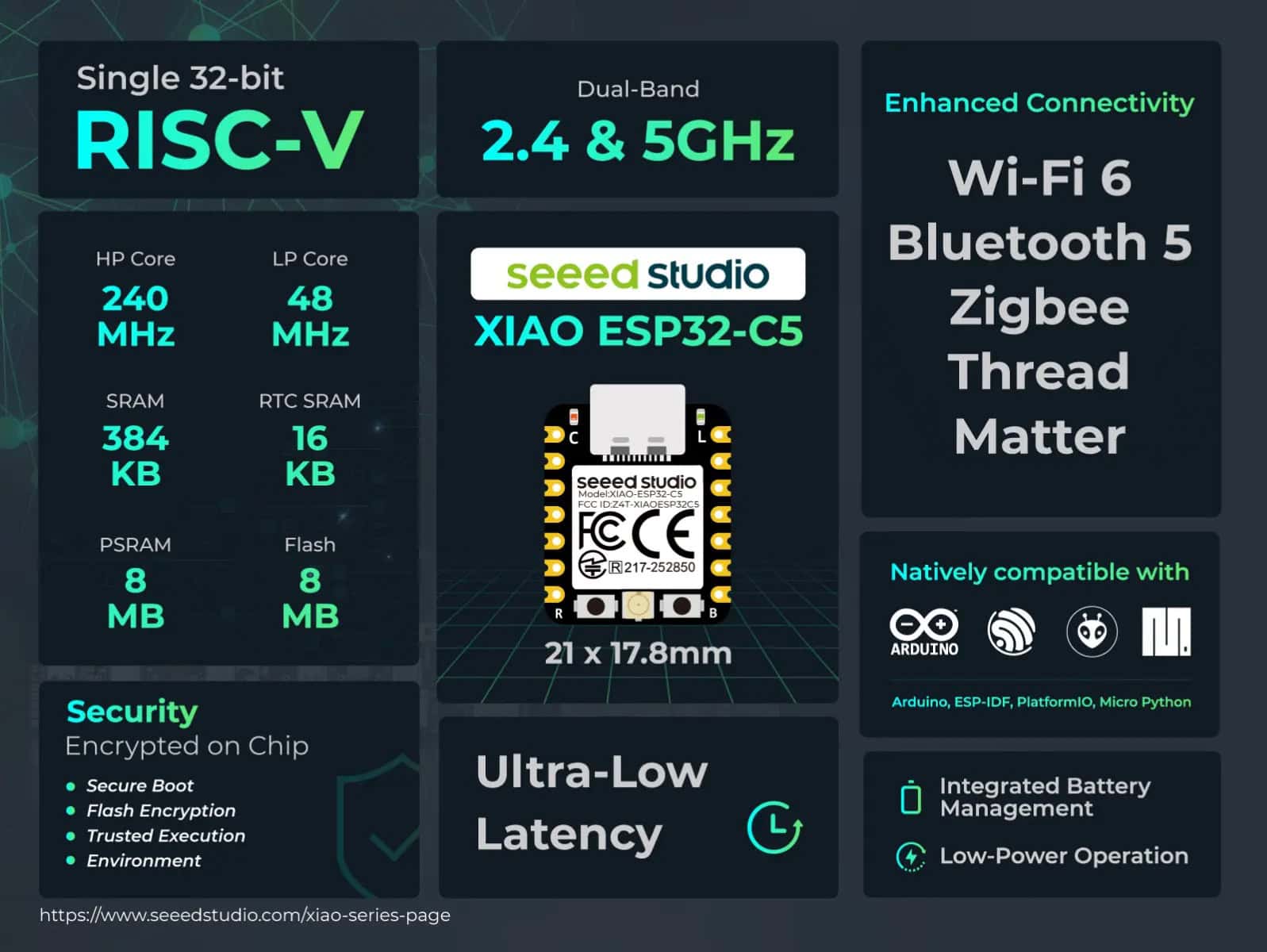
Hot off the press is the brand new Seeed Studio Xiao ESP32-C5. This is the first Seeed Studio Xiao module with 5 GHz Wi-Fi support. Built on the RISC-V architecture, it brings together 2.4 GHz and 5 GHz dual-band Wi-Fi 6, Bluetooth 5 (LE), and IEEE 802.15.4 (Zigbee, Thread) connectivity, while offering full support for IoT application protocols including ESPHome, Matter, HomeKit, and MQTT. At USD $7, they are very affordable.
Update August 9, 2026: Completely revamped the YAML configuration and other sections. ESPHome Device builder now fully supports the Seeed Studio XIAO ESP32-C5, including flashing. My GitHub repo has been updated with the latest YAML files.
Update March 28, 2026: I’ve added Wi-Fi band and channel sensors in Home Assistant. This let’s you quickly diagnose any potential Wi-Fi issues.
Seeed Studio Xiao ESP32-C5 (Pre-Soldered)
Seeed Studio Xiao ESP32-C5 (Un-Soldered)
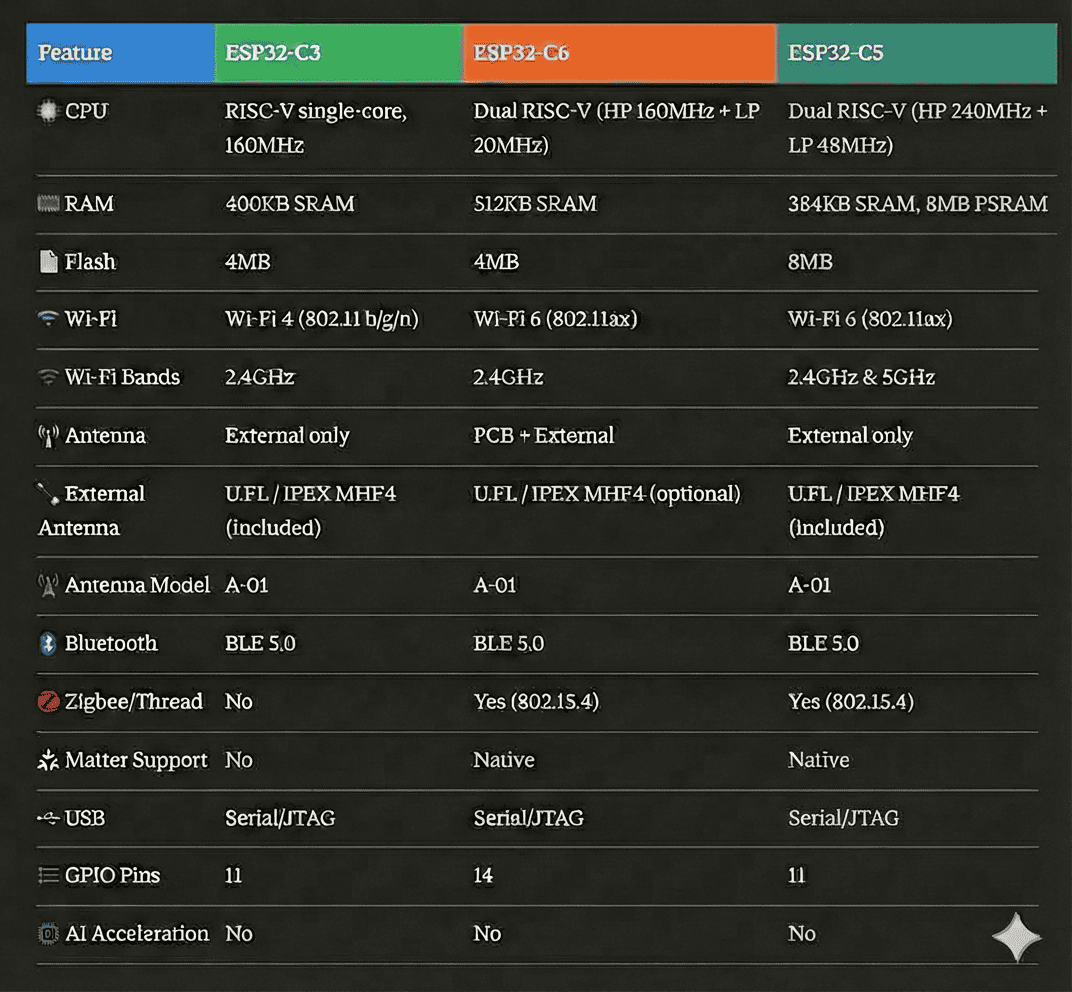
The Xiao ESP32-C5 joins a family of ESP32 boards that share the same thumbnail physical design. A comparison of various SKUs in the Seeed Studio Xiao ESP32 family is below. Before the C5 was released my favorite ESP32 board for ESPHome Bluetooth proxies was the C6.
ESPHome Compatibility
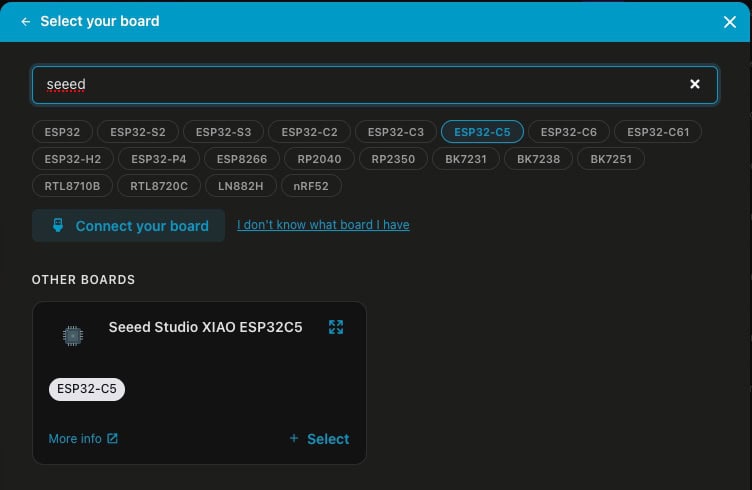
Out of the box ESPHome Builder 2026.7 fully supports the Seeed Studio XIAO ESP32-C5. Some versions from earlier in 2026 were unable to flash the board, so make sure you have the latest version of the ESPHome device builder.
My ESPHome ESP32-C5 Github Repo
Over on my Seeed Studio Xiao ESP32-C5 Github repo I have a few example ESPHome Builder YAML configuration files. These cover Bluetooth proxy, base configuration (no proxy), and an add-on for my IRK capture project. I’ve also added additional sensors for the C5 (mostly Wi-Fi), so if you are building any project with a C5, my ‘base’ configuration is a good place to start.
ESP32-C5 Bluetooth Proxy
Wi-Fi 5 GHz Support
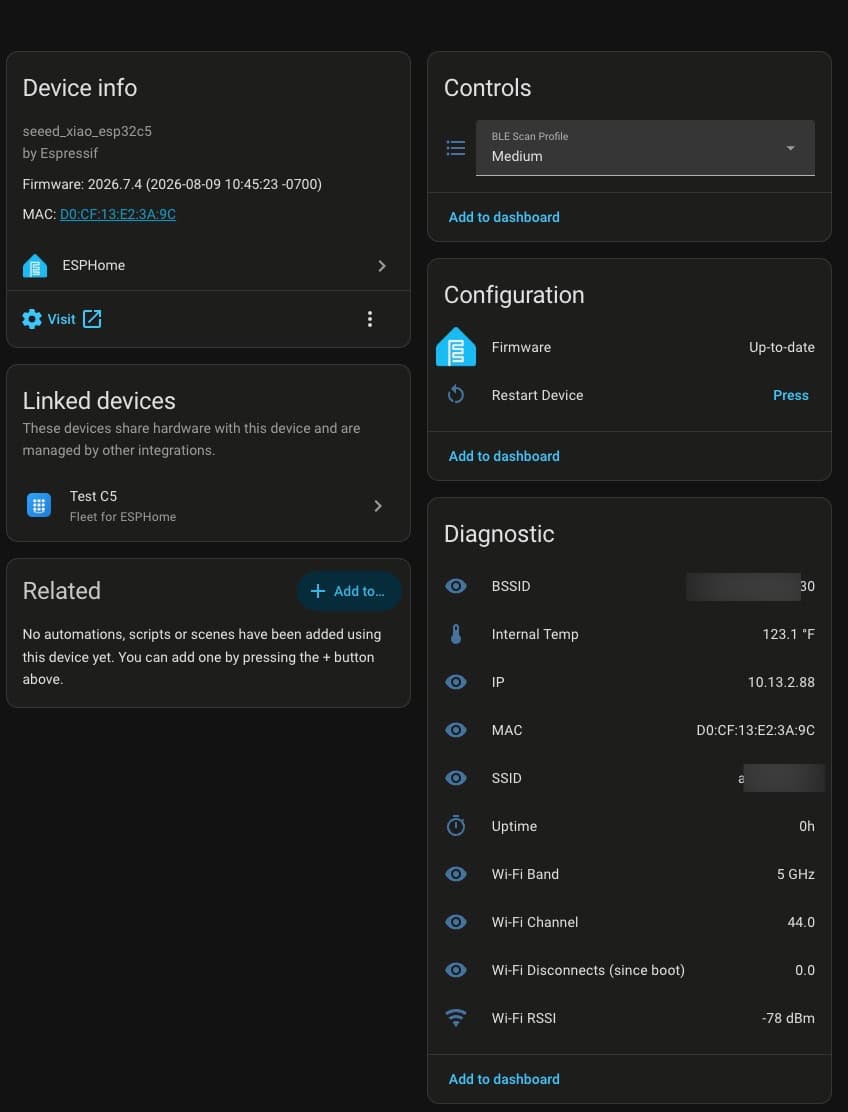
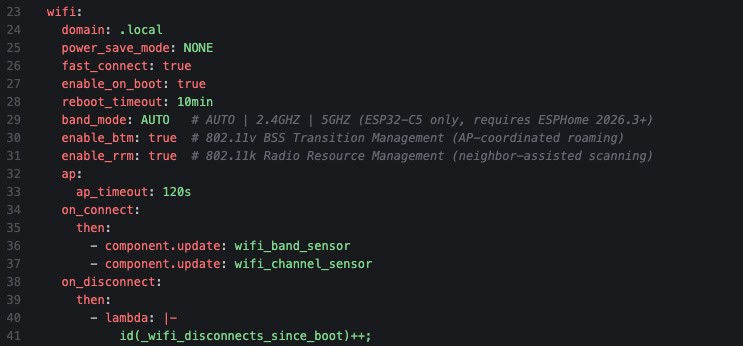
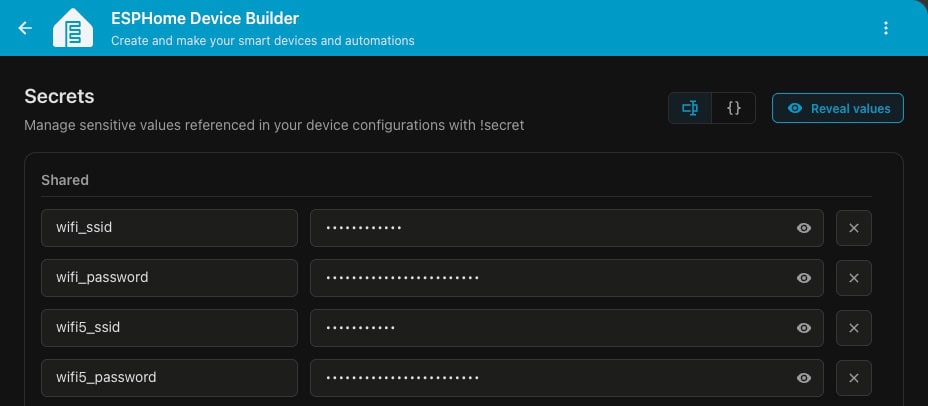
As previously mentioned, the C5 is the first Seeed Studio XIAO ESP32 model to support both 2.4 GHz and 5 GHz bands. In my house I have separated the 2.4 GHz band SSID from my combined 5 and 6 GHz SSID. To use the C5 on the 5 GHz band I defined 5 GHz specific Wi-Fi credentials in ESPHome Builder. If you have a combined 2.4 GHz and 5 GHz SSID and want to force the 5 GHz band, you can modify the ‘band_mode’ setting in the YAML.
ESPHome Builder Secrets
Fun ESPHome Uses
If you are wondering what type of fun things you can do with ESPHome and an ESP32-C5, I wrote a couple posts:
The Seeed Studio Xiao ESP32-C5 is my new favorite ESP32 device for Bluetooth proxies. With Wi-Fi 6 and 5 GHz band support, it really modernizes ESP32 connectivity. It also supports Thread/Zigbee and Matter, for fun projects down the road. I plan on standardizing on the ESP32-C5 for all future ESPHome projects.