[Disclaimer: This post is not sponsored, but may contain affiliate links. I received product samples from SmartWings for review purposes. All opinions are my own. I may earn a commission if you purchase through my links, at no extra cost to you.]
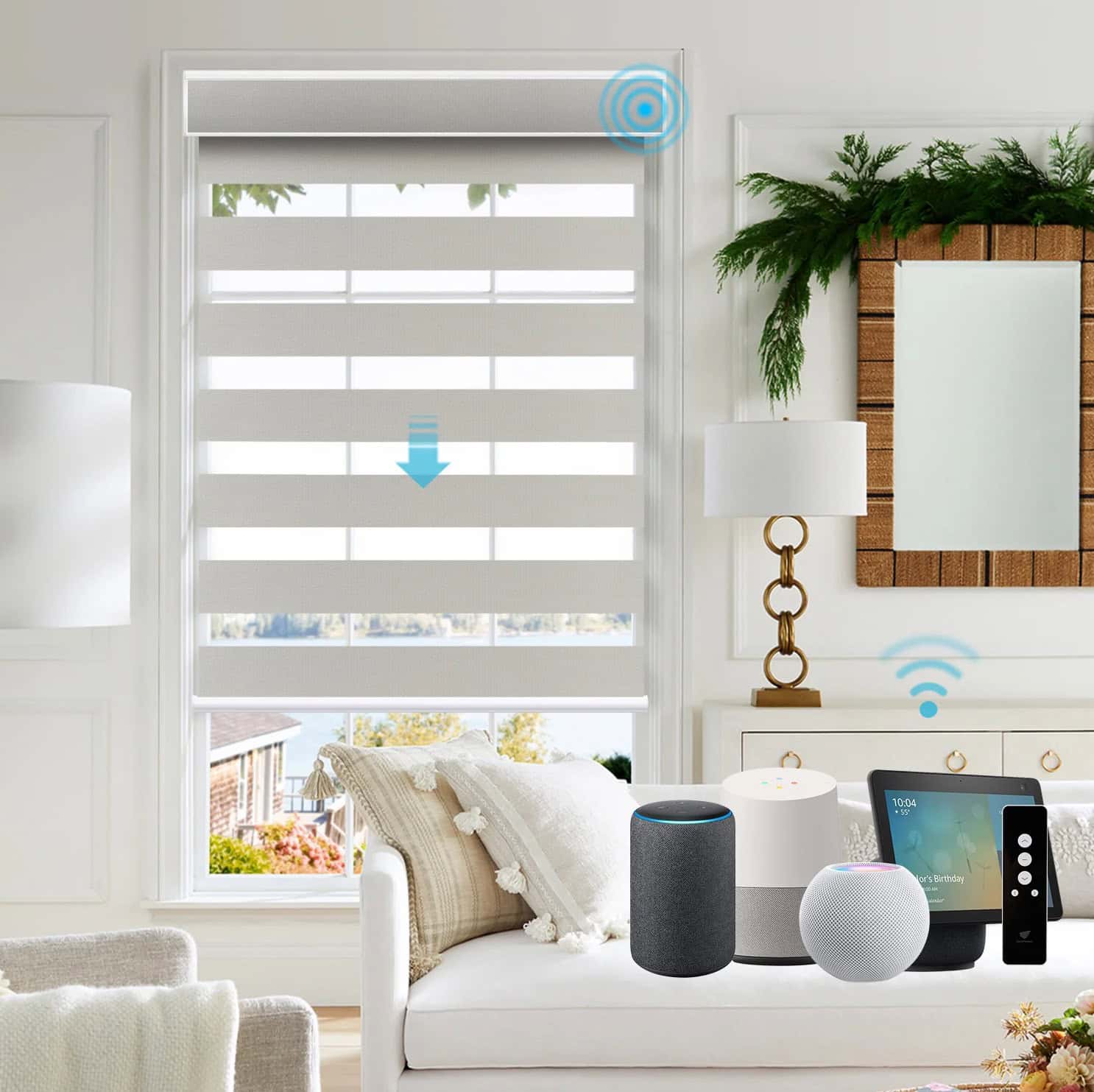
SmartWings is no stranger to the smart blinds space. For years they have been supporting a variety of smart home protocols including Zigbee, Z-Wave, Matter over Thread, Matter over PoE and Apple Homekit. They were one of the first manufactures to support Matter over Thread smart blinds back in 2023. In addition to supporting every major smart home protocol, they also have a huge variety of colors and styles of blinds.
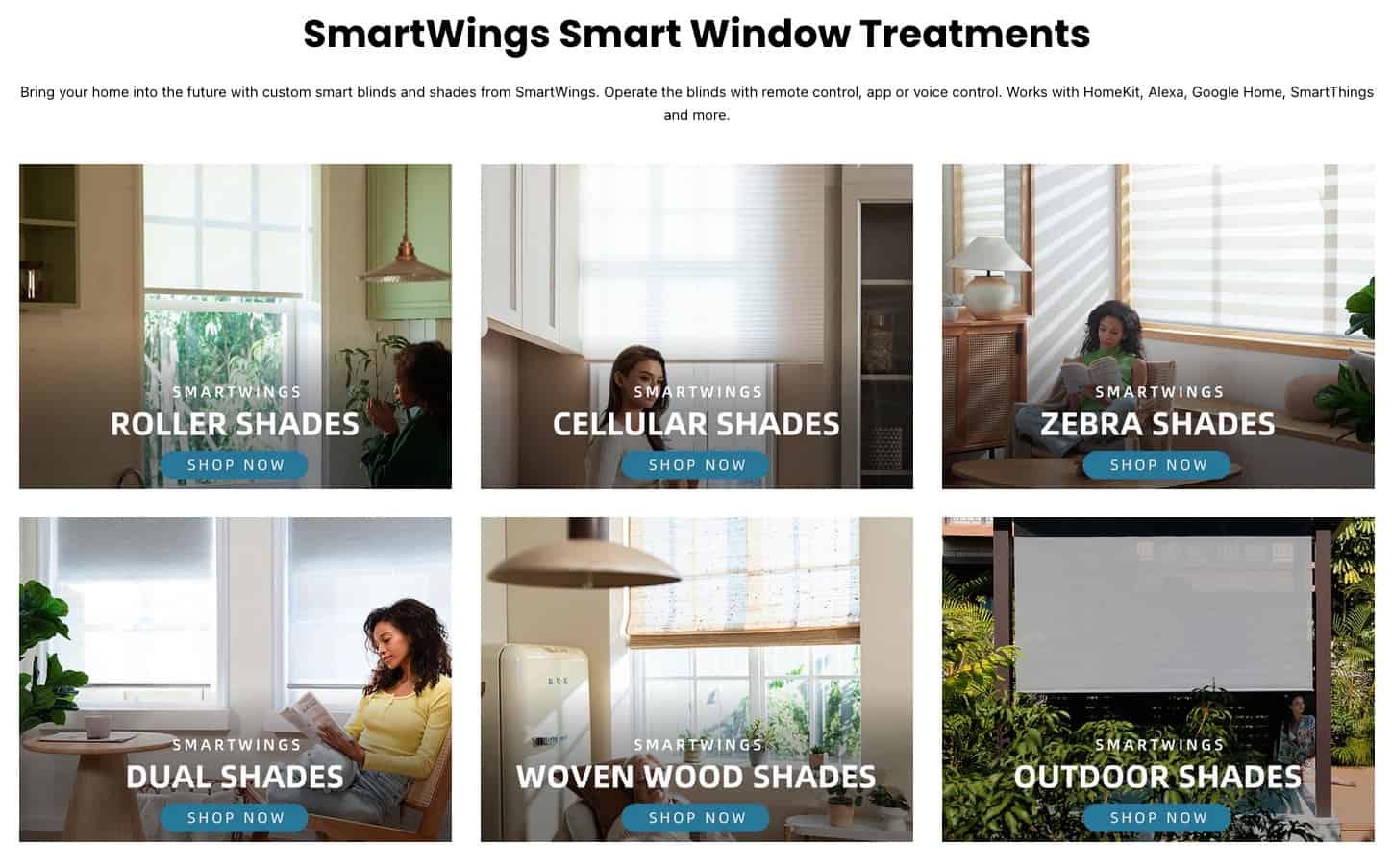
SmartWings has so many styles that I can’t cover all of them here. However they range from roller shades, cellular shades, zebra shades, woven wood, outdoor, Roman, and drapery curtains. Various models also support different power source options such as battery, DC 12v, AC, PoE, and solar panels.
Ordering
For this review I opted to go for four SmartWings motorized Zebra shades, 90% blackout, 95mm Astrid. The online ordering process is very straight forward. If you ever ordered blinds online, you will be familiar with the process.
First, you need to take exact measurements of your window. Depending on the type of shade you are ordering, SmartWings has a number of measuring guides. Take your time and make sure your measurements are near perfect so you don’t run into installation problems. Second, I would strongly recommend ordering their fabric samples before you place an order. This will allow you to see and feel the various material options to make sure they will fit into your decor.
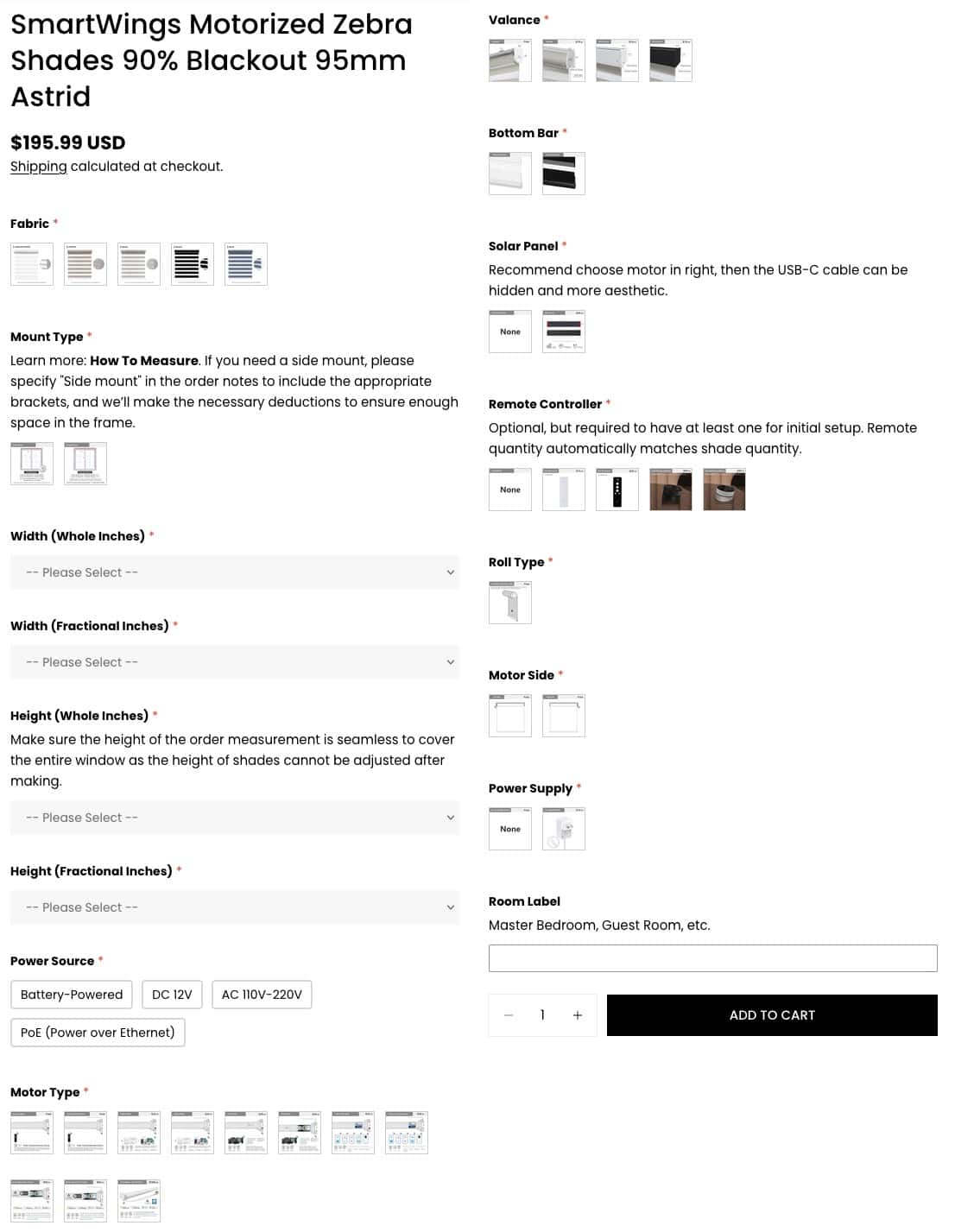
Once you know exactly what you want the SmartWings ordering process walks you through the various configuration options including:
- Fabric color
- Mount type (inside/outside)
- Width and Height (whole and fractional inches)
- Power source (Battery, DV 12v, AC 110v-220v, PoE)
- Motor type (standard, Zigbee, Alexa, Z-Wave Plus, Matter over Thread)
- Valance style
- Bottom bar style
- Solar panel (optional)
- Remote controller (5 channel, 15 channel, Dial)
- Motor mount side
- Room label
The room label is printed on a label on the top of each blind, so make sure that it makes sense. Be as descriptive as possible. You should also order at least one remote, even if 99% of your usage will be via your smart home platform. The remote is needed for certain functions such as setting top and bottom limits. I prefer the 15 channel model, and it’s not much more than the 5 channel. If you want a fancy remote, they have the Helix dial.
As a point of reference, the Zebra shades I received have a list price of about $470 USD each. This is for a 34″ x 58″ window, Matter over Thread motor and solar panel.
If you want to purchase SmartWings blinds and wish to help support this blog, at no cost to you, you can use my affiliate link.
The Unboxing
A few weeks after you place your order the blinds will arrive at your house. They are very well packaged with a heavy duty outer cardboard box and very stiff plastic corner braces. When you remove the shipping cardboard you see individual boxes for each of your blinds.
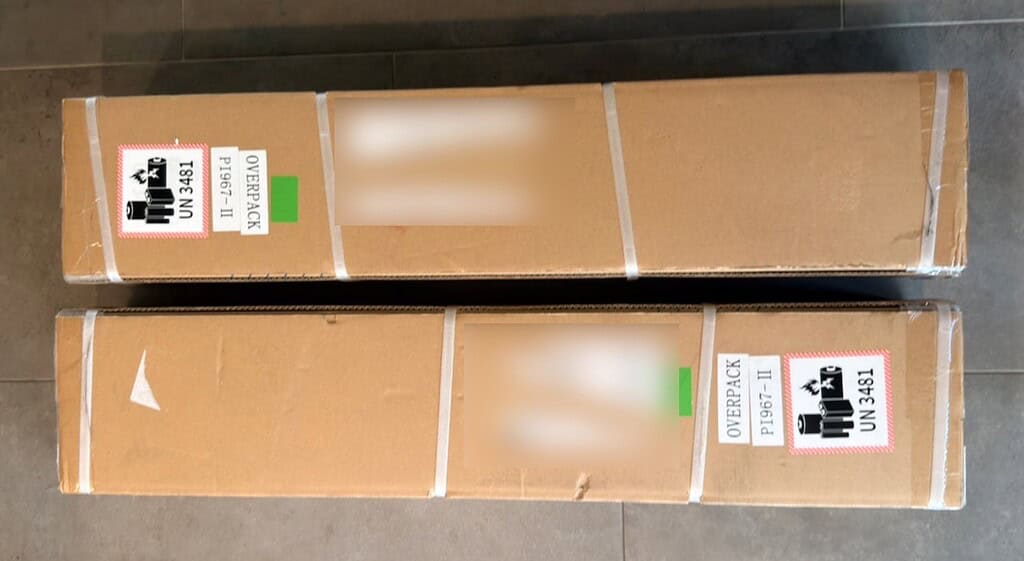
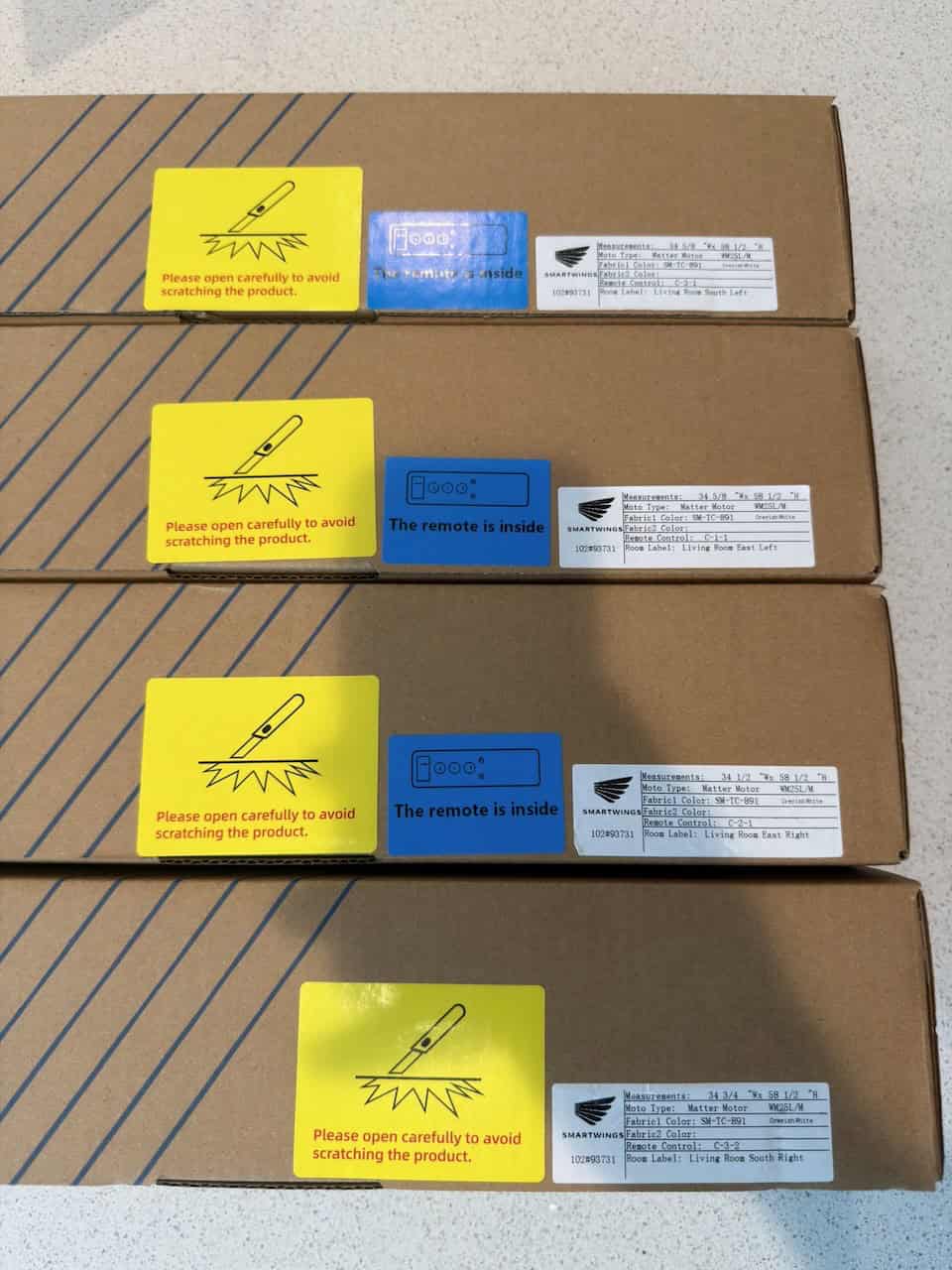
On the outside of each box is a label that has the measurements, motor type, room label, fabric color, and remote control channel. If you ordered remotes, they put a blue sticker on which box(es) have the remote(s).
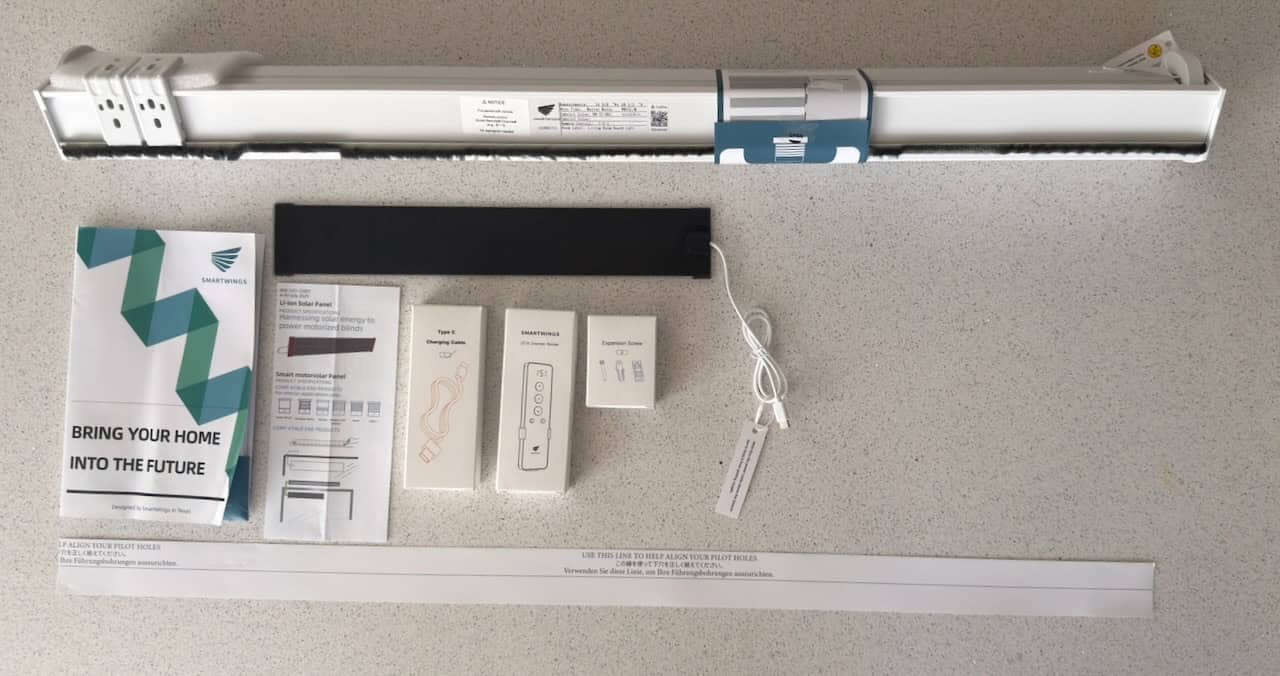
When you open the individual blinds box, it has everything you need for the installation. This includes the mounting brackets, remote (if purchased), mounting screws, USB charging cable, solar panel (if purchased), bracket alignment template, and several manuals.
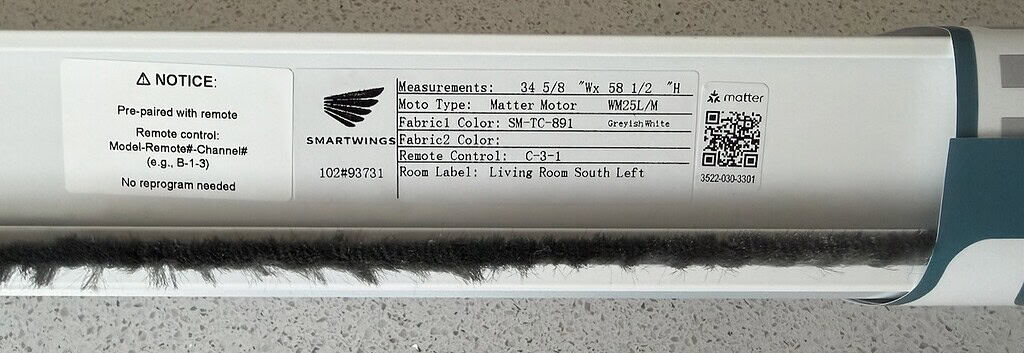
Hidden on the top of the shade is a sticker which has the measurements, motor type, fabric color, remote control channel room label, and smart home pairing code (Matter in my case).
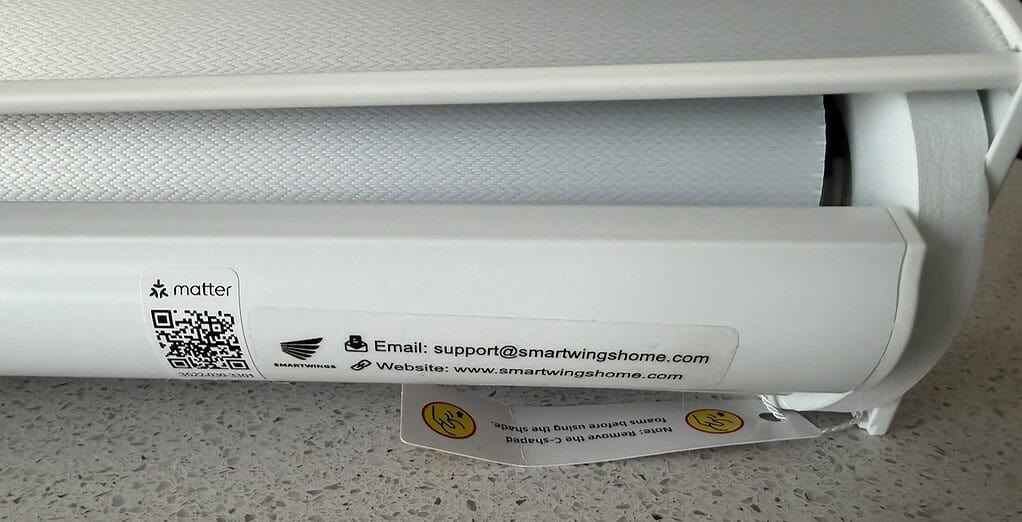
SmartWings also includes a discreet Matter pairing code sticker on the back side of the bottom bar. This faces the window, so you won’t see from the inside. This lets you easily find the Matter pairing code without taking the blinds down.
Installation
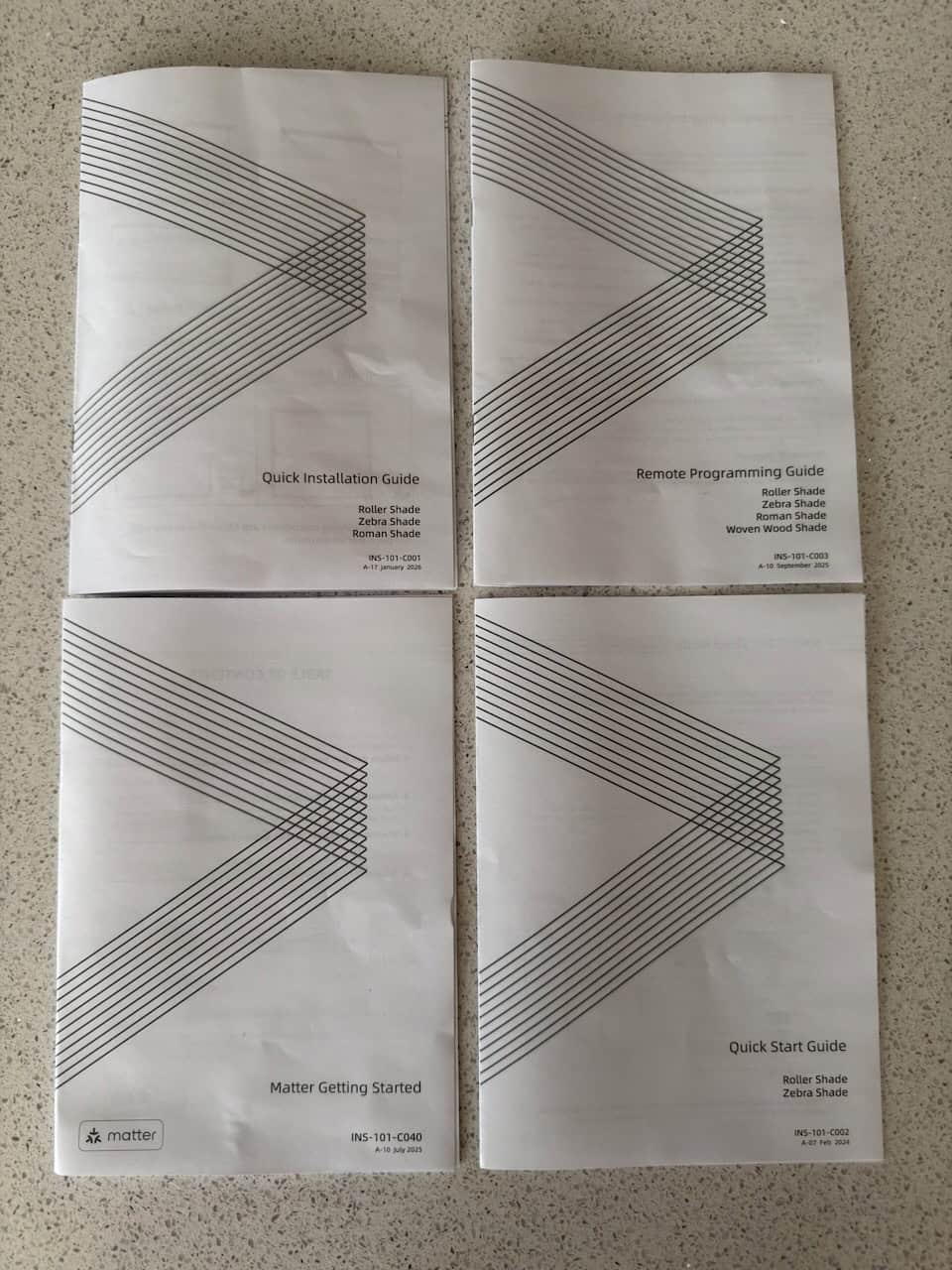
To make sure the installation goes smoothly SmartWings included four guides with each shade. These are:
- Quick Installation Guide
- Remote Programming Guide
- Matter Getting Started
- Quick Start Guide
For an inside mount installation you use two spring loaded mounting brackets that you screw into the window head jamb. Their quick install guide provides guidance on where to mount the brackets, which is about 4-6 inches from each side. Next, I mounted the solar panel at the top of the window near the USB-C connector on the motor and plugged it in. Snapping in the blinds is made very easy by the spring loaded clip system.
Tip: Perform a dry fit of your first blind so that you know how far back you want to mount the bracket. This affects how much of the blinds header protrudes from your window opening. I would suggest starting with 1/2 inch set back from the wall surface.
After the blinds are mounted I followed the Matter installation guide and put the blinds into pairing mode. I was able to quickly add each blind to my Thread network via Home Assistant on the first try. The blinds upper and lower limits come programmed from the factory. However, there is a simple procedure using the remote to tweak the limits as needed.
I accidentally ordered three remotes, instead of just one. So I followed their remote programming guide to pair each blind to the same remote. In my case I mapped the four blinds to channels 1-4. I also configured channel 0 as a group channel for all four blinds. This allows me to control all of them at once.
I opted for the 15 channel remote control. It’s pretty basic, but functional. For normal operations you can select which channel (blind) you want to control and then push the up, down and stop buttons. Some advanced programming such as setting the top and bottom stop positions uses various button combinations. It also comes with a simple wall mount bracket, should you need it.
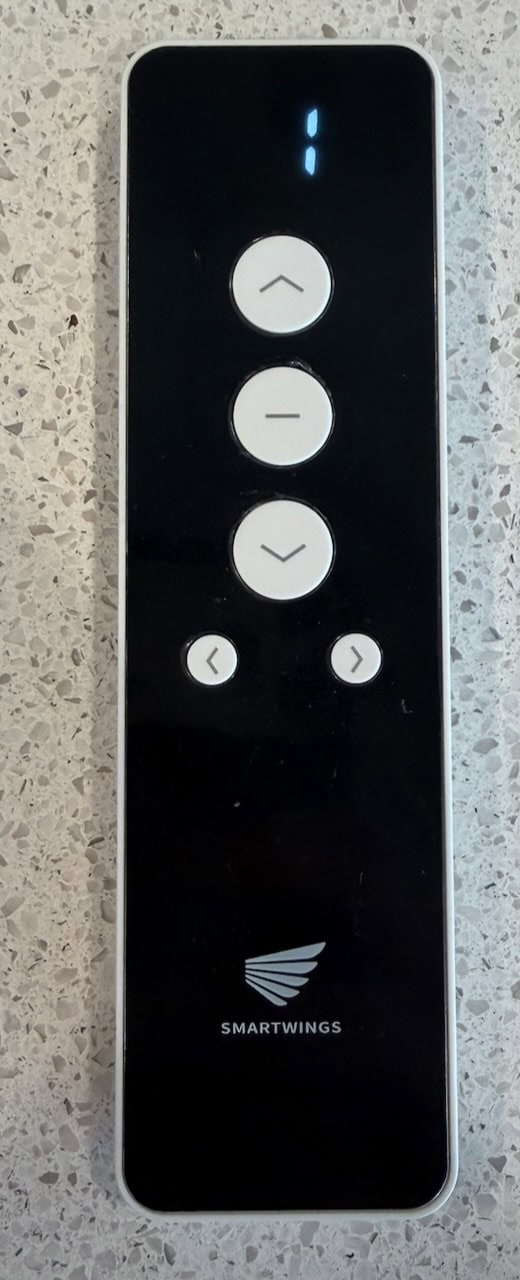
I was having some strange behavior with one remotes. The odd behavior didn’t happen when I took the back cover off of the remote. The SmartWings remote has a small “P” button hidden by the cover which is used for some programming functions. I think somehow the back cover was pushing on the button, resulting in odd behavior. The other two remotes functioned without issue.
SmartWings has a feature that lets you mirror the channel pairings from one remote to another. So I was able to quickly mirror the pairings to a working remote without having to physically touch the blinds, which was great as these blinds are very high up and hard to reach.
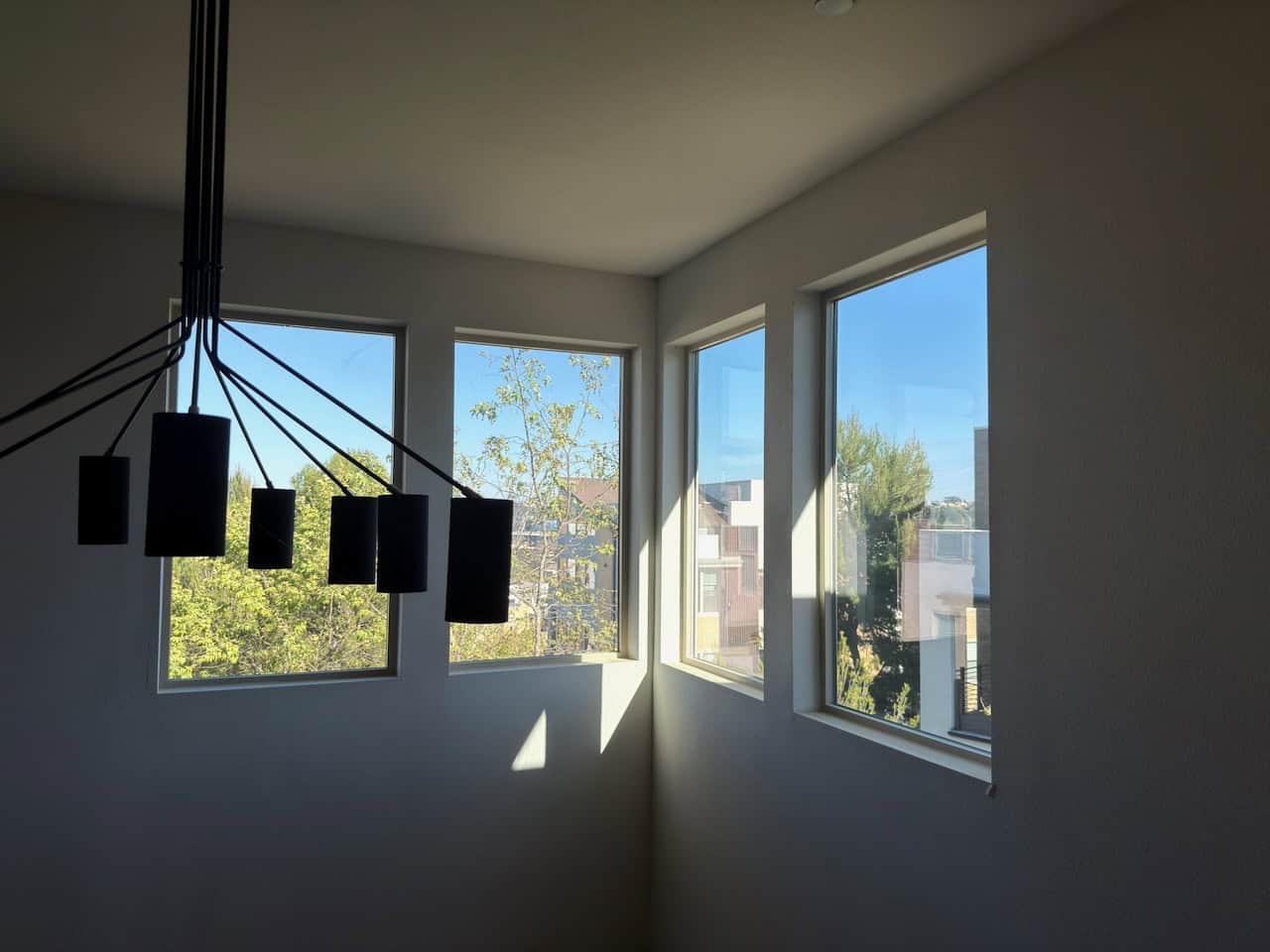
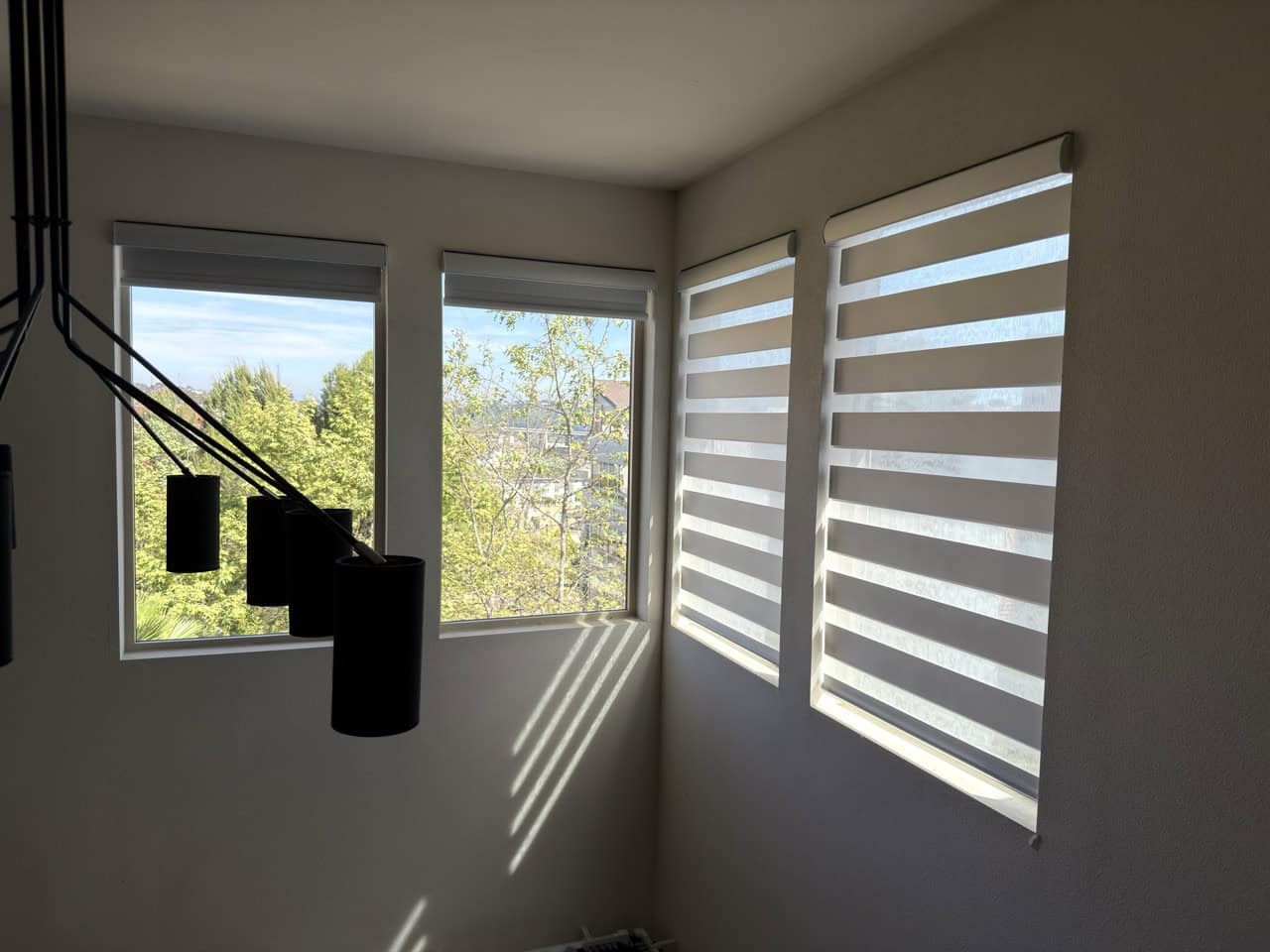
I adjusted the top limit on all of the blinds so that it would mostly hide the solar panel when the blinds were fully open. One window needed a slight bottom limit adjustment, which took all of 10 seconds using the remote.
The video below gives you a quick demo of the eastern facing blinds completely closing. The south blinds (on the right) were only open 1% for shading purposes, so they only slightly closed for the demo.

Home Assistant
During the installation process I paired the SmartWings blinds to Home Assistant via Matter over Thread. In Home Assistant you have basic up/down controls, plus a number of diagnostic sensors. I’m glad to report the battery and charging status seems accurate, and reports in real time. Should future firmware updates be needed, these blinds support OTA updates.
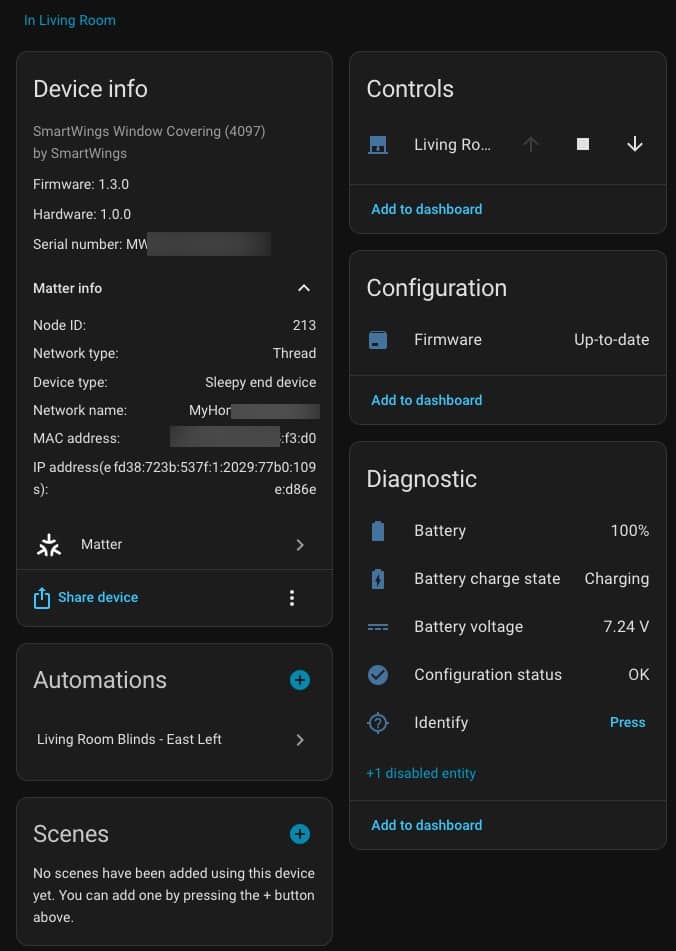
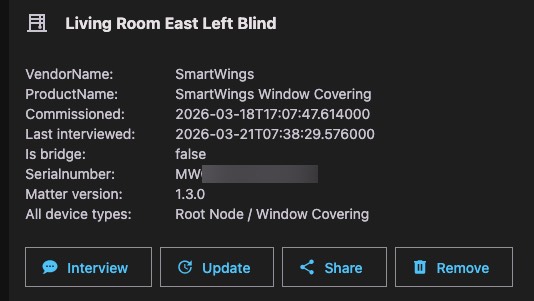
My blinds shipped with firmware v1.3.0 which uses the Matter v1.3 SDK. The Matter v1.5 SDK totally overhauled the “closures” framework which includes window coverings. I hope that SmartWings has Matter v1.5 firmware in the works to support the new closures framework. However, firmware v1.3 works great and I experienced no Thread stability issues or unresponsive devices.
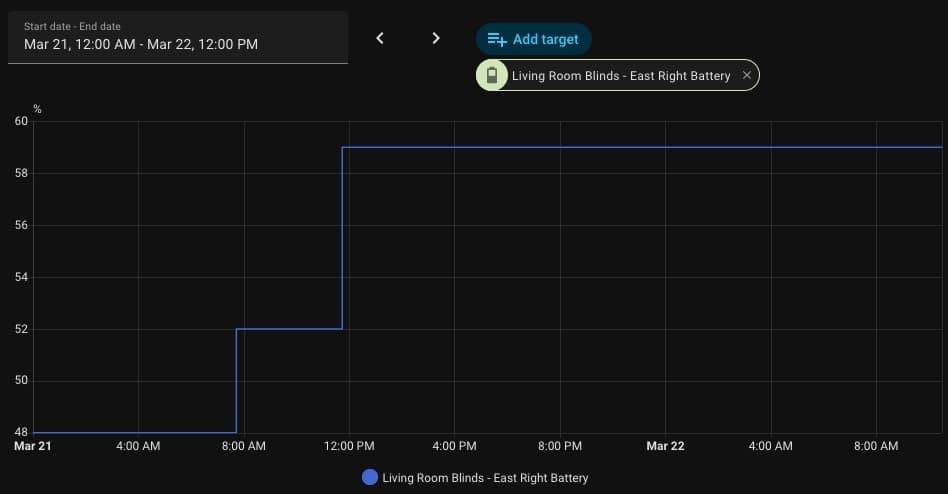
In Home Assistant it’s easy to verify that the solar panel is working as expected. Here you can see that over a 24 hour period the battery changed from 48% to 59%. The daily energy usage to raise and lower the blinds is tiny, so the solar panel should deliver indefinite power to the shades. I checked the battery level after a week and they were all at 100% thanks to continuous solar charging.
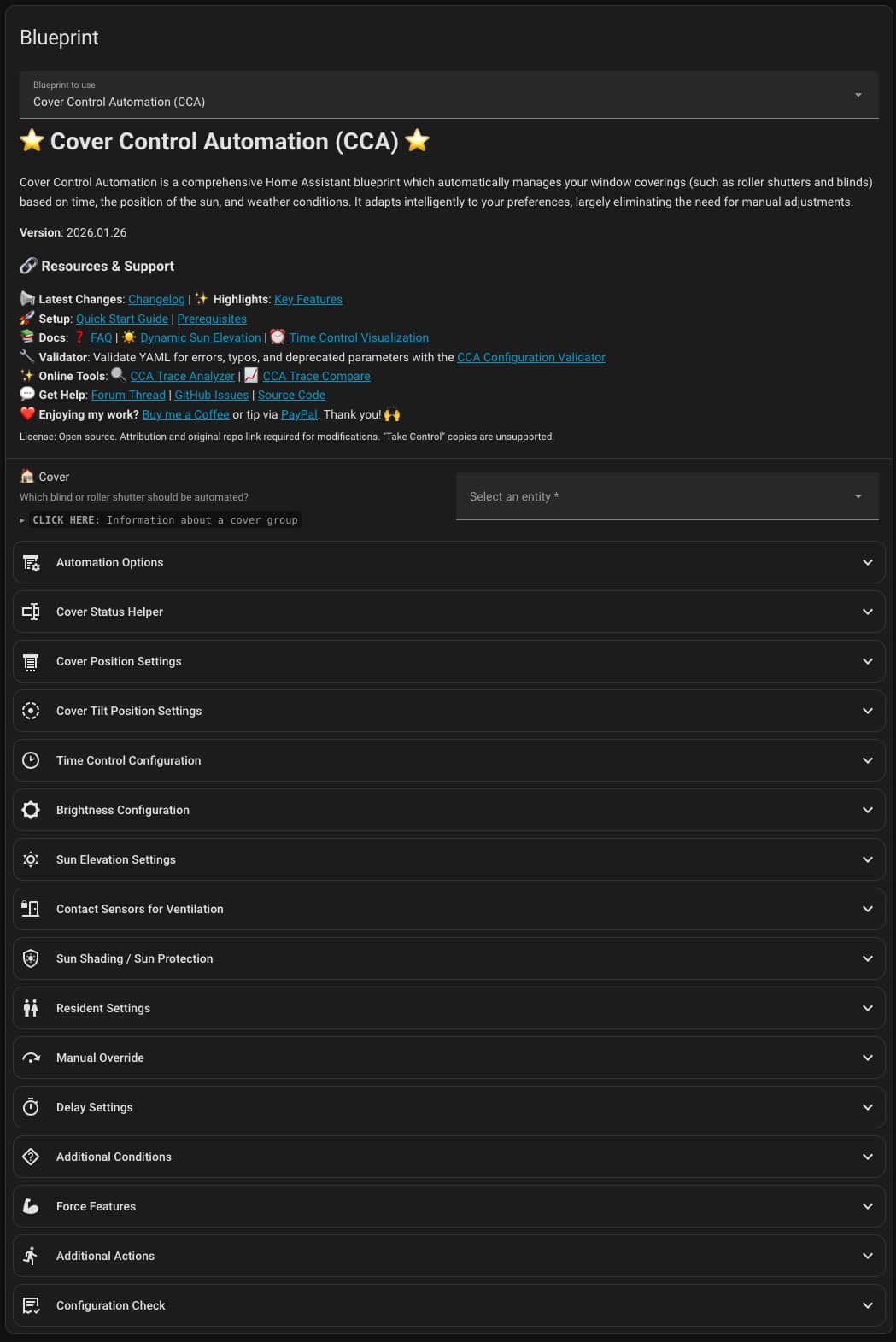
For automating my blinds I’m experimenting with the Cover Control Automation (CCA) blueprint. This is a highly configurable window covering control blueprint. Honestly at first it was very intimidating to set up. It’s so configurable that trying to figure out what I need to setup was a challenge. However, I will say that Claude was quite helpful.
My goal was to have a blinds automation which keeps the blinds closed when sun was directly shining in, but automatically opened at sunrise and closed at sunset. This gets tricky to accomplish throughout the various seasons and changing sun position. But CCA can take this into account, so I’m excited to see how this plays out over the next few months.
I fed Claude my proposed CCA configuration and had it map out what position my blinds would be throughout the day for my east and south facing windows. I’m still in the early stages of using CCA, but I think it should do the trick. This is fully customized for my exact latitude/longitude, day of the year and which way my windows are facing. During the first week I had Claude do a few tweaks to the timing, and now it’s nearly perfect.
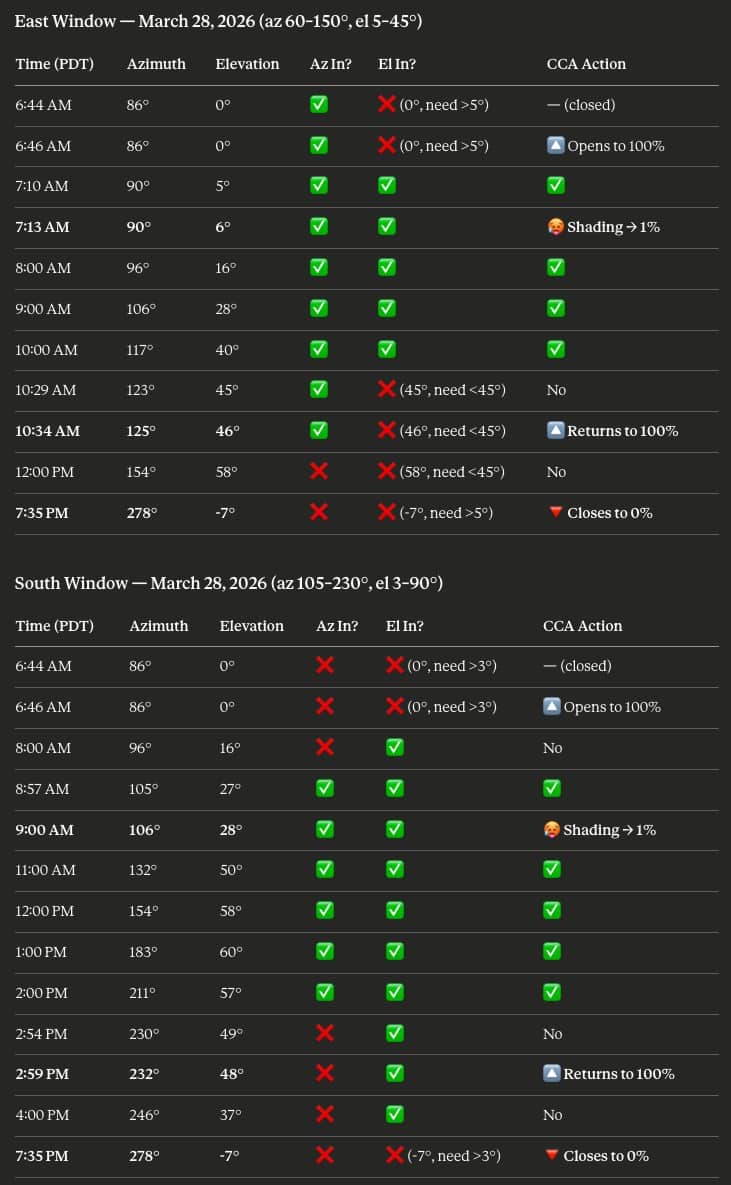
Super nerdy? You bet! Fun, yup! Claude was also very helpful in tweaking the CCA configuration. If I saw a shade was opening too early or late for proper shading, I just fed Claude the day/time information and what I wanted tweaked, and it proposed new azimuth or elevation settings as needed.
SmartWings vs. Eve Motionblinds
If you are in the market for Matter over Thread smart window coverings, you will probably come across Eve Motionblinds. About a year ago I bought three Eve Motionblinds curtains, which were also Matter over Thread. The Eve Motionblinds have been an absolutely horrible experience between multiple curtain rod failures (known defect) and buggy firmware that Eve seems to have no interest in fixing. I deeply regret my Eve Motionblinds purchase and would advise others to avoid them like the plague. They have a terrible track record with firmware updates across many of their products, not just blinds.
In contrast, SmartWings has good build quality, does NOT require a mobile app (like Eve), and has stable firmware which is fully featured. SmartWings support is also friendly, responds quickly, and is helpful.
Summary
SmartWings offers a wide variety of smart blinds and supports nearly every smart home control protocol such as Z-wave, Zigbee, Matter over Thread, Matter over PoE and more. They also have a wide variety of blinds styles and fabric options. Power source options include battery, AC, DC, PoE, and solar panels.
Installation went very smooth, except for one bad remote. Their Matter over Thread firmware is very stable and I have not experienced any drops or unresponsive devices. Build quality is also very good, and no mobile app is needed for the configuration or day to day use. SmartWings is entirely locally controlled with NO cloud component.
I’m very happy with the SmartWings blinds and can easily recommend that they should be at the top of your list of brands to consider. No matter what smart home ecosystem you are using, SmartWings probably has an option for you.